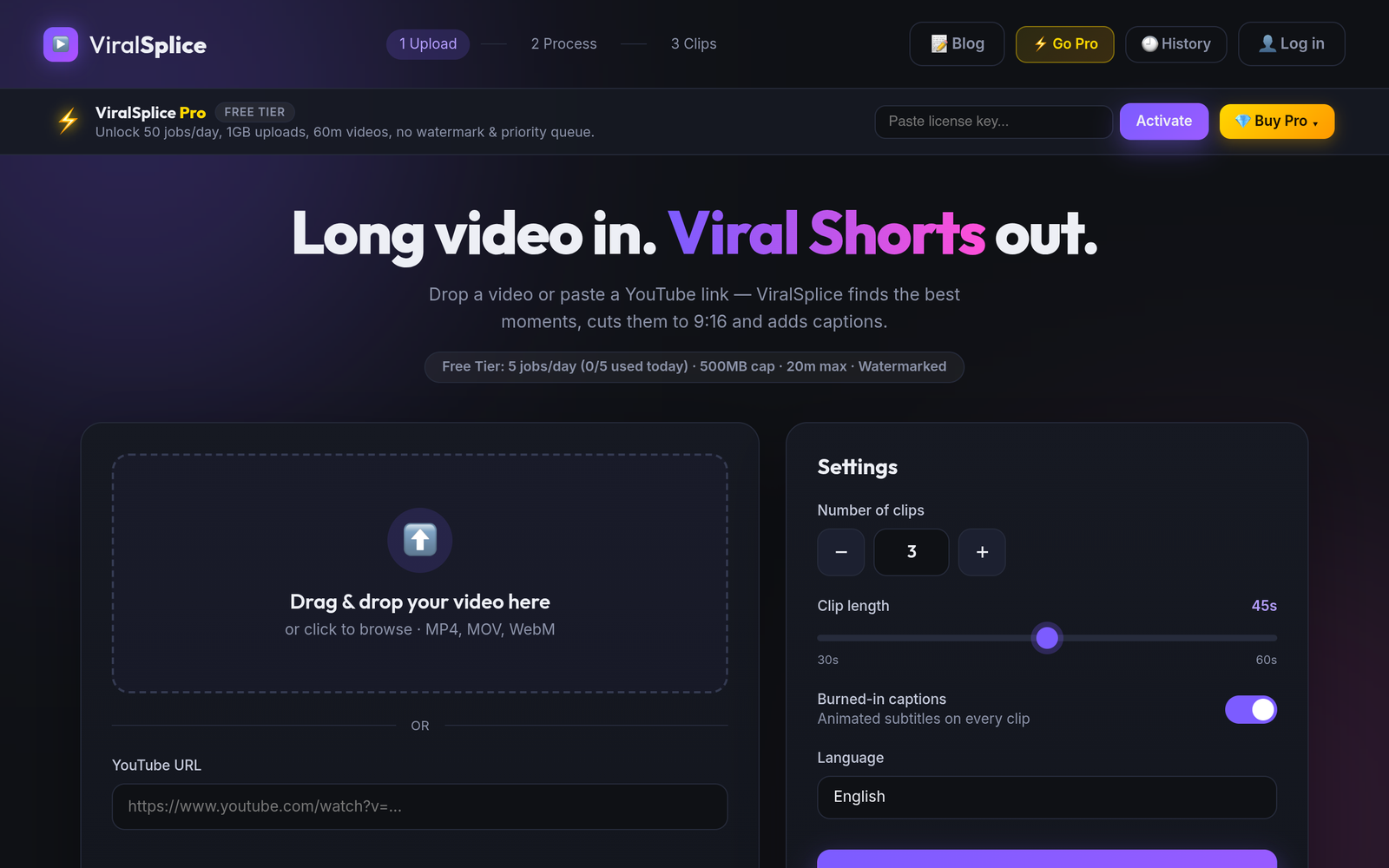
Riverside is best known as a recording studio for podcasts and interviews, and its Magic Clips feature turns those recordings into vertical Shorts. ViralSplice does one job only: it turns long videos into 9:16 Shorts with burned-in captions, a virality score, and title ideas. If you already record on Riverside, Magic Clips is convenient. If your main workflow is repurposing long videos into Shorts every day, the price gap between the two tools is worth a close look. Compare on price using only each tool's own site. The short version: ViralSplice Pro at $9 a month undercuts Riverside Pro by $20 a month on monthly billing, and the $120 lifetime option costs less than six months of Riverside Pro.
The monthly prices side by side
Prices as listed on Riverside pricing page, November 2026. ViralSplice prices confirmed on slice.coderao.com #pro-section, November 2026. All prices are in US dollars, before tax.
- ViralSplice Free: $0, 5 jobs a day, watermarked
- ViralSplice Pro: $9 per month, $90 per year, or $120 once for lifetime
- Riverside Pro: $29 per month monthly, or $24 per month billed annually ($288 billed yearly)
- Riverside Grow: $39 per month monthly, or $34 per month billed annually ($408 billed yearly)
- Riverside Webinar: $99 per month monthly, or $79 per month billed annually ($948 billed yearly)
- Riverside Business: custom pricing, no price listed
Explain the gap: $9 against $29 is $20 a month less. Over a year, ViralSplice Pro at $90 against Riverside Pro at $24 a month billed yearly, $288 for the year, is $198 less. Riverside Grow at $34 a month billed yearly totals $408 for the year, and Webinar at $79 a month billed yearly totals $948 for the year. The $120 lifetime payment ends the monthly bill entirely, while Riverside's paid plans keep billing every month or every year.
What each plan includes
Riverside is a recording platform first. Pro includes studio recording with separate tracks for each participant, 15 hours of separate-track downloads a month, and Magic Clips, the AI feature that cuts highlights into vertical clips. Riverside's pricing page says core AI features like Magic Clips, Magic Audio, and the AI Co-Creator do not need AI credits, while Pro starts with 2,000 AI credits for features such as AI translation, AI B-roll, and animated clips. Higher plans add more studios, more download hours, and webinar tools.
ViralSplice is flat, not credit based. It turns a long video or a public YouTube link into vertical 9:16 Shorts, finds the strongest moments, reframes with blurred background borders, and burns in animated captions automatically. Every clip gets a virality score and title ideas. Pro includes 50 jobs a day, 1 GB uploads, videos up to 60 minutes, no watermark, and a priority queue. There is no clip allowance and no credit balance to watch.
How to choose between them
If you record interviews or podcasts and want studio-quality separate tracks, live recording, and clips in one subscription, Riverside Pro is a recording suite that happens to include clipping, and its price reflects that. If your main job is repurposing long videos into Shorts every day, the features that matter most are clip selection, captions, upload limits, and the monthly bill, and that is where ViralSplice Pro at $9 a month, $90 a year, or $120 once is hard to beat. Start with the free option if you want a low-risk test: ViralSplice Free gives 5 jobs a day with watermarked clips. Once you know which workflow fits, pick the paid plan that matches how often you publish. Check both pricing pages before you buy, because prices can change.
Try ViralSplice free first, then upgrade when you are ready, at slice.coderao.com.