Opus Clip is one of the best-known tools for turning long videos into Shorts, and it is often the first tool creators compare against anything new. This post compares it directly with ViralSplice on price, using only prices listed on each tool's own site today. The short version: ViralSplice Pro costs less per month than every paid OpusClip plan, and it also offers a one-time lifetime option that OpusClip does not list.
The monthly prices side by side
Prices as listed on OpusClip pricing page, October 2026. ViralSplice prices confirmed on the ViralSplice homepage pricing section, October 2026. All prices are in US dollars, before tax, on monthly billing unless noted:
- ViralSplice Free: $0, 5 jobs a day, watermarked clips
- ViralSplice Pro: $9 per month, or $90 per year, or $120 once for lifetime
- OpusClip Free: $0
- OpusClip Starter: $15 per month
- OpusClip Pro: $29 per month
- OpusClip Business: custom pricing
The gap is straightforward. ViralSplice Pro at $9 a month costs $6 a month less than OpusClip Starter at $15, and $20 a month less than OpusClip Pro at $29. Over a year, that is $72 less than Starter and $240 less than Pro on monthly billing. The yearly ViralSplice plan at $90 costs less than four months of OpusClip Pro, and the $120 lifetime payment ends the monthly bill entirely.
What each plan includes
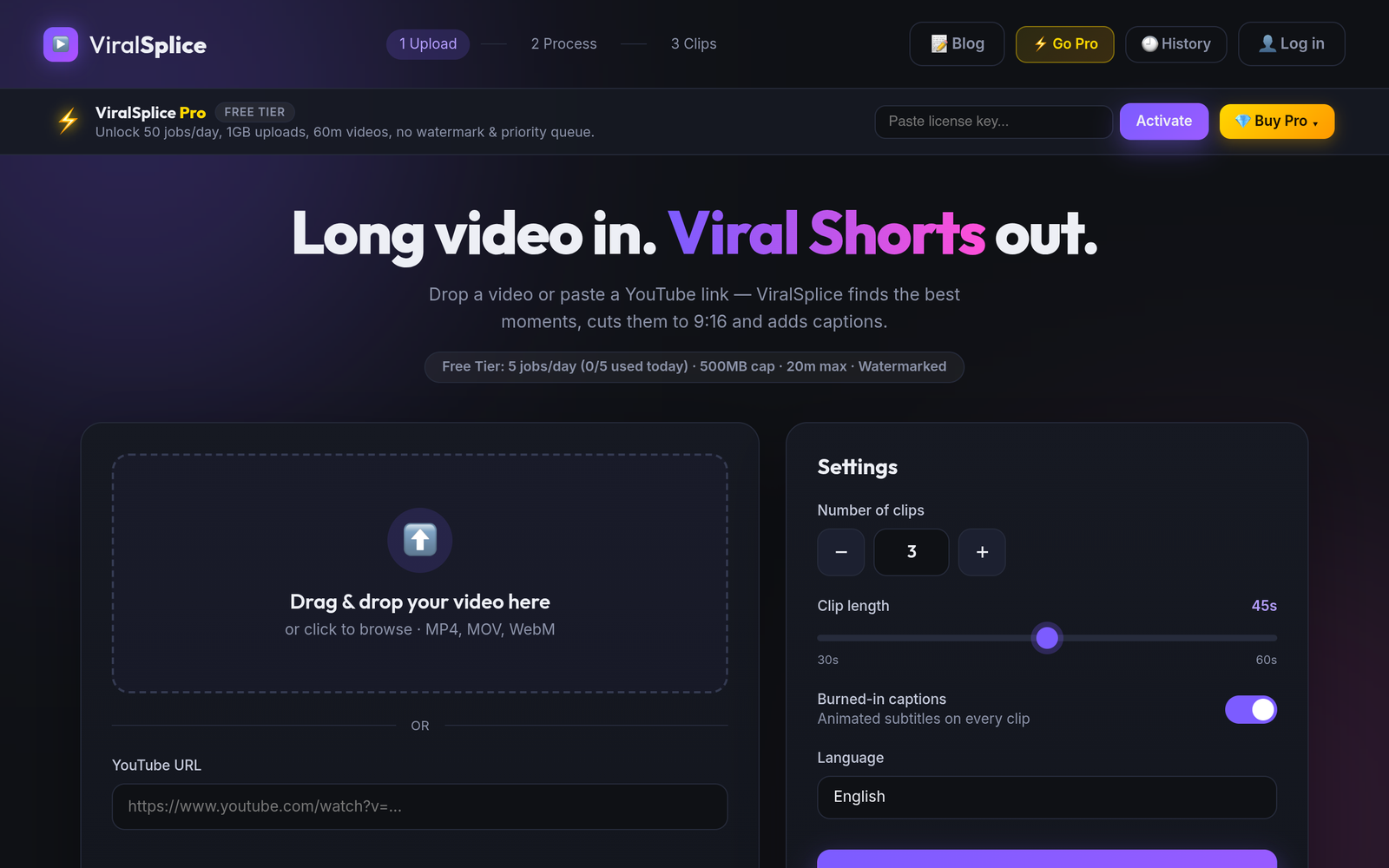
Both tools do the same core job: take a long video, find the strongest moments with AI, and reframe them into vertical 9:16 clips with captions. OpusClip's own pricing page lists a virality score, animated captions, multi-language transcription, and watermark-free export on its Starter plan, while its Pro plan adds 100GB of fixed storage, 1:1 and 16:9 reframing alongside 9:16, bulk export, and team workspaces. ViralSplice Pro includes 50 jobs a day, 1GB uploads, videos up to 60 minutes, no watermark, and a priority queue, with burned-in animated captions on every clip. The free plans let you test either workflow before paying: ViralSplice Free covers 5 clips a day with a watermark.
How to choose between them
Price is only one part of the decision, and the honest answer depends on your workflow. If you need team workspaces, bulk export, or 100GB of fixed storage, OpusClip Pro lists those features and may justify its $29 price for you. If you are a solo creator publishing Shorts every day, the features that matter most are clip quality, captions, upload limits, and the monthly bill, and that is where ViralSplice Pro at $9 a month, $90 a year, or $120 once is hard to beat. Either way, check the current pricing page of both tools before you buy, because prices and plans can change. A quick side-by-side test is also worth your time: run the same long video through both free plans and compare the clips before committing to either monthly bill.
Try ViralSplice free first and see whether the clips fit your channel. When you are ready to remove the watermark and raise your limits, switch to ViralSplice Pro at slice.coderao.com.