Klap is a well-known AI clipping tool, and many creators wonder whether it fits their Shorts workflow. Compare on price using only each tool's own site. The short version: ViralSplice Pro at $9 a month undercuts Klap Basic by $20 a month on monthly billing, and ViralSplice's $120 lifetime option costs less than a single year of Klap Basic at $174. The tools are not identical, so price alone does not settle the choice, but price is a clear place to start.
The monthly prices side by side
Prices as listed on Klap pricing page, November 2026. ViralSplice prices confirmed on slice.coderao.com #pro-section, November 2026. All prices are in US dollars, before tax.
- ViralSplice Free: $0, 5 jobs a day, watermarked
- ViralSplice Pro: $9 per month, $90 per year, or $120 once for lifetime
- Klap free trial: $0, turn 1 video into clips to preview and edit; downloading and posting need a paid plan
- Klap Basic: $29 per month monthly, or $14.50 per month billed yearly ($174 billed yearly), 100 clips a month
- Klap Pro: $79 per month monthly, or $39.50 per month billed yearly ($474 billed yearly), 300 clips a month
- Klap Pro+: $189 per month monthly, or $94.50 per month billed yearly ($1,134 billed yearly), 1,000 clips a month
Explain the gap: $9 vs $29 is $20 a month less. Over a year, ViralSplice Pro at $90 vs Klap Basic yearly $174 is $84 less. Klap Pro at $39.50 a month billed yearly totals $474 for the year, and Pro+ at $94.50 a month billed yearly totals $1,134 for the year. The $120 lifetime payment ends the monthly bill entirely, while Klap's paid plans keep billing every month or every year.
What each plan includes
Klap counts clips, not source minutes: each short it generates counts as one clip, and the plan limit is the number of clips per month. Every Klap plan includes AI clipping with a virality score, active-speaker reframing, animated captions, 99+ languages, scheduling and publishing to TikTok, YouTube, Instagram, LinkedIn and Facebook, unlimited social accounts, and analytics. Source videos can run up to 3 hours, and paid exports carry no Klap branding.
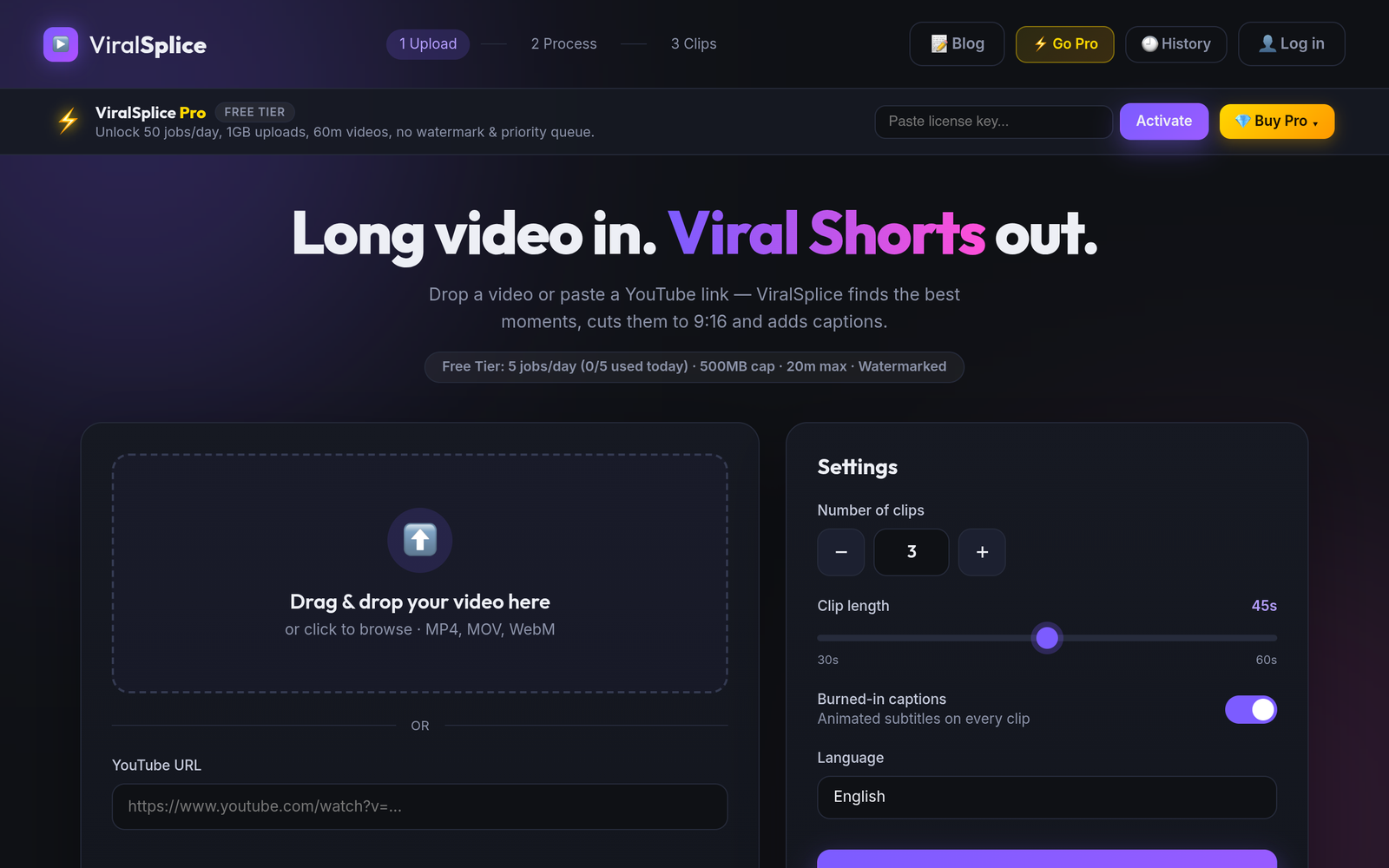
ViralSplice is flat, not clip-count based: it turns a long video into vertical 9:16 Shorts, finds the strongest moments, reframes with blurred background borders, and burns in animated captions automatically. Pro includes 50 jobs a day, 1GB uploads, videos up to 60 minutes, no watermark, and a priority queue. There is no clip allowance to count. In practice, that means a Klap user watches a monthly clip budget, while a ViralSplice Pro user watches jobs per day instead.
How to choose between them
If you publish hundreds of clips a month and want built-in scheduling and publishing to five platforms from one dashboard, Klap's paid plans may justify their price, and its free trial is a fair way to test the clipping quality on one video. If your main job is repurposing long videos into Shorts every day, the features that matter most are clip selection, captions, upload limits, and the monthly bill, and that is where ViralSplice Pro at $9 a month, $90 a year, or $120 once is hard to beat. Start with the free options if you want a low-risk test: Klap's trial turns one video into clips you can preview and edit, and ViralSplice Free gives 5 jobs a day with watermarked clips. Once you know which workflow fits, pick the paid plan that matches how often you publish. Check both pricing pages before you buy, because prices can change.
Try ViralSplice free first, then upgrade when you are ready, at slice.coderao.com.