One podcast episode can fill a whole week of Shorts, if you cut it the right way. A 45-minute conversation usually holds five to seven self-contained moments that work on their own: a sharp answer, a surprising story, a disagreement, or a practical tip. The mistake most podcasters make is posting one long trailer instead of cutting the episode into clips that each earn the swipe. Here is a repeatable workflow for turning one episode into a week of vertical Shorts.
Start with moments, not timestamps
Listen for moments that make sense without the rest of the episode. A good clip answers one question, tells one story, or lands one opinion in 30 to 60 seconds. Skip anything that needs five minutes of context to understand, and skip polite introductions and sponsor reads. Mark five to seven moments per episode, and rank them by surprise: the strongest, most quotable moment becomes your first clip of the week, because it sets the tone for the rest.
Cut hook-first
The first three seconds decide whether a viewer stays or swipes. Open on the payoff, the bold claim, or the question, not on "welcome back to the show." Trim every pause, filler word, and rambling setup before the point lands. If the clip only gets interesting at second fifteen, move that interesting part to second one and cut the rest. A clip that starts mid-sentence on a strong line will outperform a polite clip every time.
Captions and vertical reframing
Most Shorts are watched on mute, so burned-in captions are not optional. Use word-by-word captions that are large enough to read on a phone screen, and keep each caption line short so the eye can follow it. Reframe the video to vertical 9:16 with the speaker centred, and add a blurred background border so the frame still looks full on a phone. If two people are talking, keep the active speaker in frame rather than shrinking both into a tiny split screen.
Titles, posting, and the weekly rhythm
Give each clip its own title, not the episode title. A title should promise one thing: the tip, the story, or the opinion inside that clip. Post one clip a day for a week, and watch which moments get the most watch time and comments, then cut more clips in that style from your next episode. Batch the work: pick moments on recording day, cut all the clips in one sitting, and schedule them across the week so posting never depends on finding spare time.
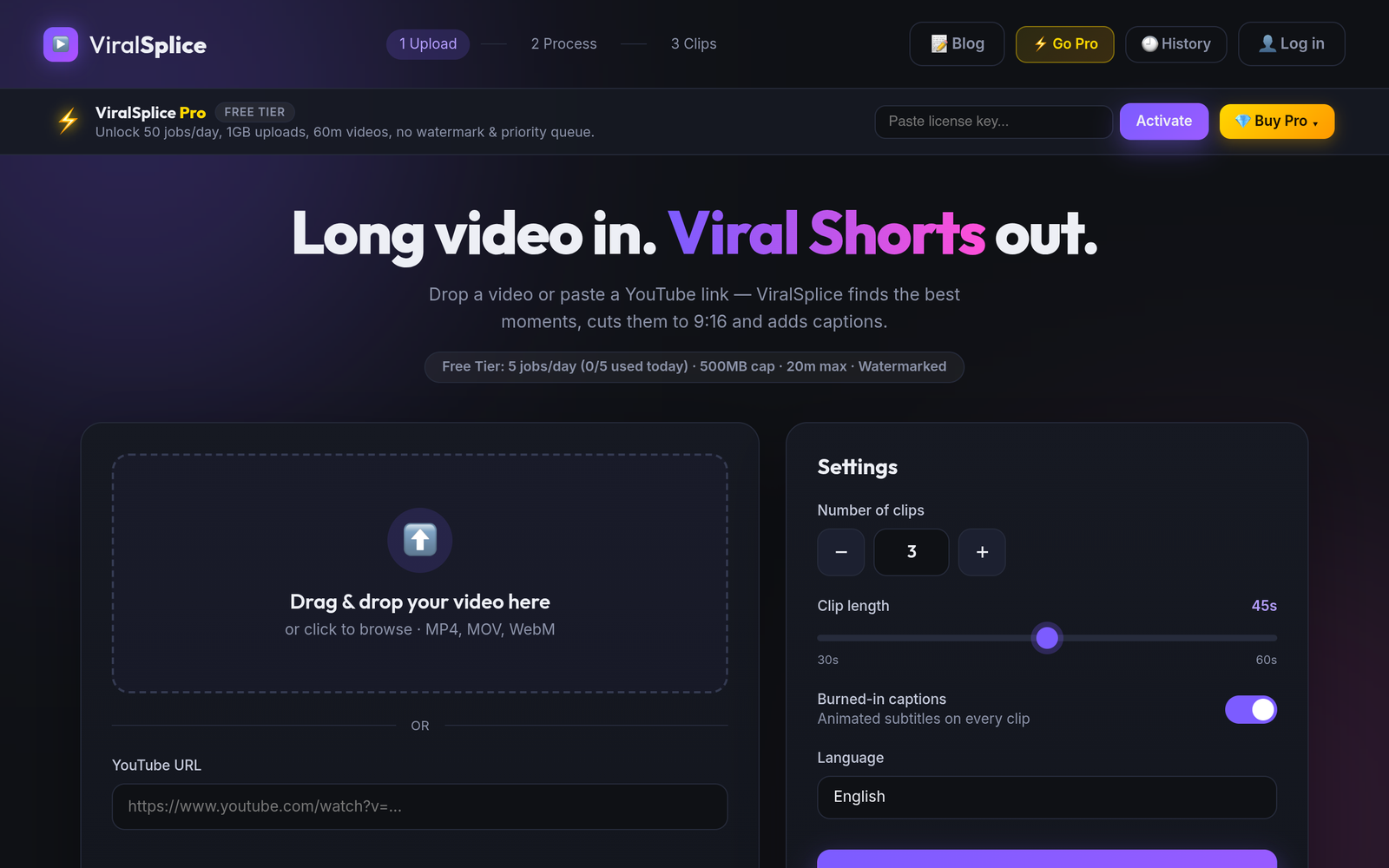
One episode, cut well, is a week of content that brings new listeners back to the full show. If you want to skip the manual cutting, ViralSplice finds the strongest moments in your episode, reframes them to vertical 9:16, and burns in captions automatically. Try it free at slice.coderao.com and turn your next episode into a week of Shorts.