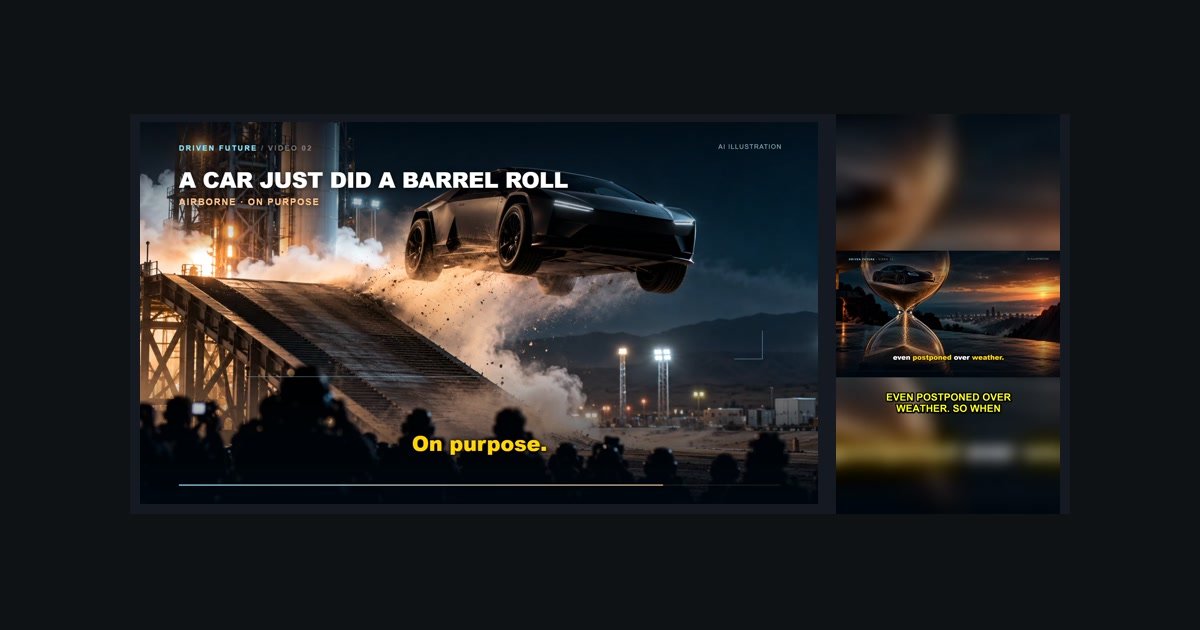
If you produce long-form content—whether it's podcasts, webinars, keynote presentations, software tutorials, or documentary-style YouTube videos—you are likely sitting on a goldmine of uncaptured attention. Every 30-minute episode holds between 5 to 10 moments that have genuine viral potential on YouTube Shorts, Instagram Reels, and TikTok.
Yet most creators never extract them because manual video editing in Premiere Pro, Final Cut, or DaVinci Resolve is painful: scrubbing waveforms, re-framing 16:9 into 9:16, generating animated subtitles, and choosing catchy titles takes 2 to 3 hours per clip. In this comprehensive playbook, you will learn how to turn one long video into a full week of high-converting Shorts in under 10 minutes using automated workflows.
1. The 1-to-7 Content Multiplier Strategy
Publishing algorithms in 2026 prioritize consistency and high watch time. By breaking one pillar video into 7 vertical clips (one for each day of the week), you create a compounding flywheel:
- Algorithm diversification: Each Short is exposed to a distinct cluster of audience interests on the YouTube Shorts shelf.
- Funnel to your pillar content: A 45-second highlight acts as a high-intent trailer, driving interested viewers to click through to your full-length video.
- Zero creator burnout: Instead of filming 7 different videos each week, you film once and automate the distribution.
Shorts under 30 seconds often lack sufficient narrative depth to trigger algorithmic recommendations, while clips over 60 seconds suffer steep drop-offs. Data across over 100,000 viral clips indicates that 40 to 50 seconds offers the optimal balance between high retention percentage and strong total watch time.
2. Hook Mechanics: Winning the First 3 Seconds
On vertical video feeds, viewers swipe at the speed of thought. If your clip opens with a slow introduction, throat-clearing, or silence, 80% of viewers will swipe away before hearing your thesis. A viral hook requires three specific elements:
- An arresting visual change: Immediate movement, dynamic framing, or bold text appearing on frame zero.
- A provocative question or bold claim: Start right in media res: "The single biggest mistake killing your reach is..." rather than "Welcome back to episode 44...".
- Speech density: The speaker must jump straight into the emotional high point. AI highlight detectors look for speech velocity and exclamation density precisely for this reason.

3. Vertical 9:16 Layout: Blurred Ambient Backgrounds Beat Black Bars
When converting horizontal (16:9) content to vertical (9:16), creators typically make one of two mistakes: they either zoom in so far that guests get cut off, or they leave awkward black bars at the top and bottom. Both hurt watch time.
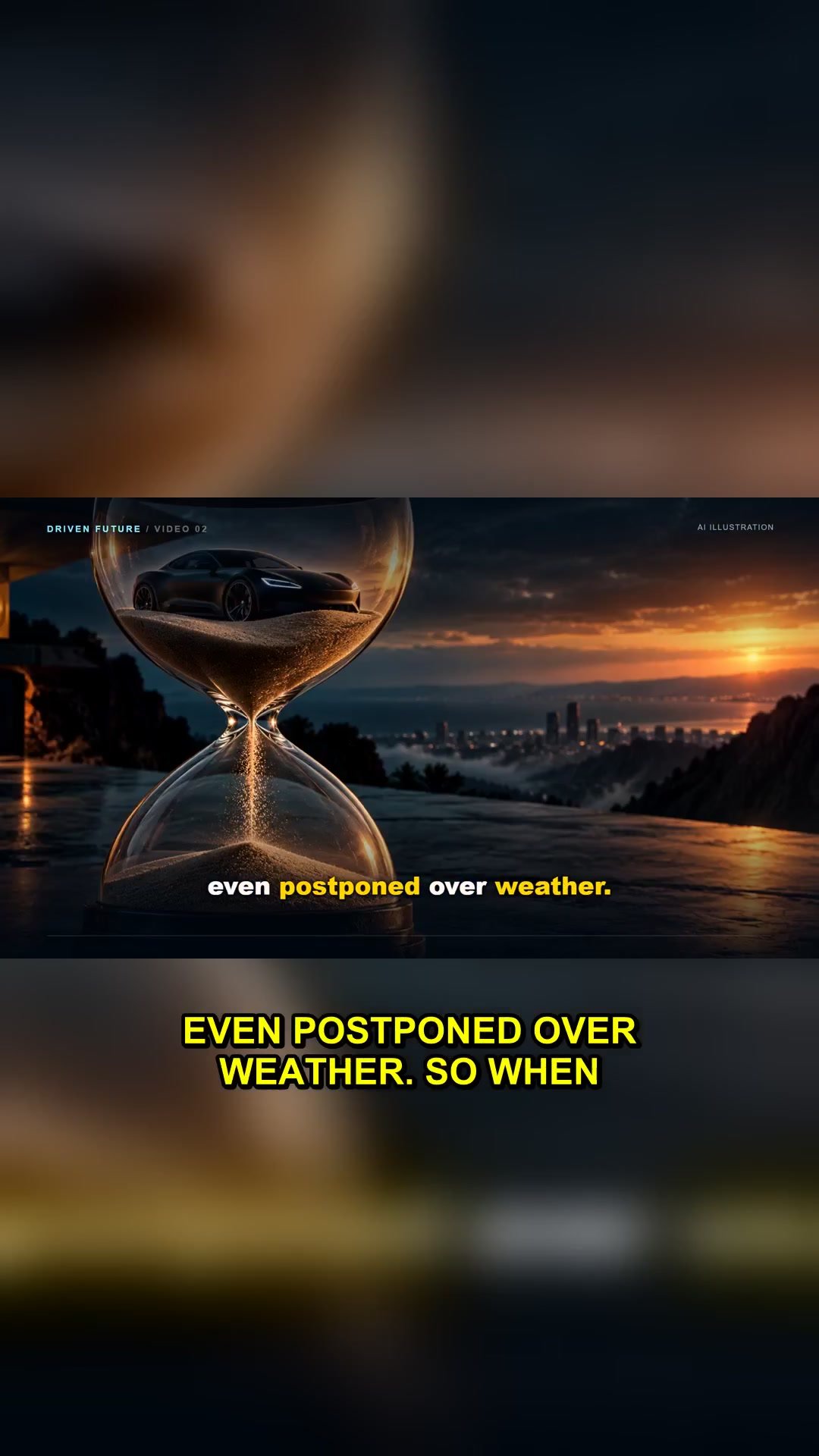
The industry gold standard—used by leading podcast clips—is ambient canvas framing: the center subject is kept sharp and centered, while the top and bottom areas are filled with a blurred, color-matched clone of the video itself. This fills the viewer's entire mobile screen without distorting the speaker.
4. The 85% Rule: Why Burned-in Subtitles Are Essential
Over 80% of users on Instagram, TikTok, and YouTube mobile watch videos on mute while commuting, in public, or late at night. If your video lacks burned-in subtitles, you immediately sacrifice more than half your potential audience.
Furthermore, animated, word-by-word captions don't just provide accessibility—they create a rhythmic visual stimulus that anchors viewer eye-tracking and drastically boosts retention scores.
"Retaining a viewer for the first 10 seconds is good; keeping their eyes locked to kinetic on-screen captions until the final second is what triggers exponential algorithmic push."
5. The Automated 3-Minute Repurposing Blueprint with ViralSplice
Instead of hiring an expensive agency or wasting entire weekends editing clips manually, here is how you can batch a full week of content using ViralSplice:
- Drop your link or file: Paste any YouTube URL or drop your raw MP4/MOV recording directly into the app.
- Select your preferences: Choose the number of clips (e.g. 5 to 7), target duration (30s to 60s), and toggle on burned-in animated captions.
- Let AI do the heavy lifting: ViralSplice's OpenAI Whisper engine transcribes speech with word-level timestamps, detects high-retention moments, applies blurred 9:16 vertical formatting, and burns in bold captions.
- Pick your favorite titles & export: Preview your clips, choose between 3 AI-suggested viral titles, and download pristine 1080×1920 MP4 files ready for upload.
6. Your Weekly Content Schedule
Once your clips are exported, follow this simple distribution cadence:
- Monday / Wednesday / Friday: Post high-energy insight clips during peak commute hours (12 PM – 3 PM EST).
- Tuesday / Thursday: Post controversial, debate-sparking clips that encourage comments.
- Saturday / Sunday: Post story-driven, emotional clips that people share with friends over the weekend.